Agentic AI
Setting Up AI Agents for Mobile App Development: A Practical Starting Point
By Rocket Lab AustraliaPublished 1 min read
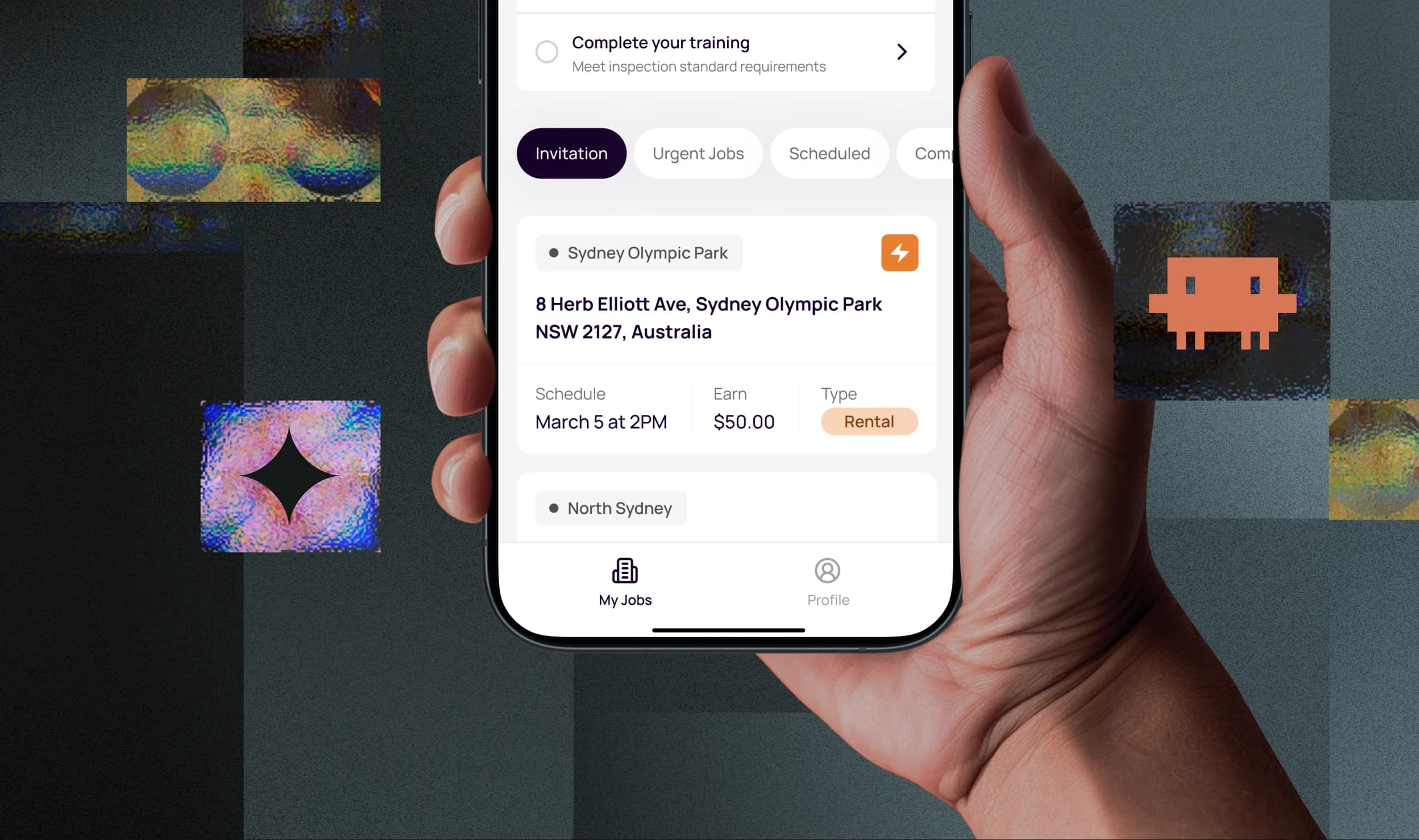
Bringing AI agents into a mobile development workflow sounds like a big technical lift, but the teams that do it successfully usually start smaller and more deliberately than you'd expect.
Start with one narrow, well-defined task. Don't try to hand an agent "build the app". Pick something specific and bounded, like generating unit tests for existing components, triaging incoming bug reports, or keeping API documentation in sync with the codebase. A narrow scope makes it much easier to tell whether the agent is actually helping.
Give it the right tools, and only those tools. An agent working on a React Native codebase needs access to the repo, the ability to run tests, and maybe access to your issue tracker. It doesn't need production deploy access on day one. Widening access should happen gradually, as trust is earned, not granted up front because it's convenient.
Decide what needs a human sign-off before you turn it on, not after something goes wrong. For mobile projects specifically, that usually means: an agent can propose a code change, but a person merges it; an agent can flag a failing build, but a person decides how to fix it; an agent can draft a response to a bug report, but a person sends it.
Log everything. One of the most useful things about agentic workflows is that they leave a trail: you can see exactly what the agent tried, what it changed, and why. That visibility is what makes it possible to trust an agent with more responsibility over time, and what makes it possible to catch problems quickly when something goes wrong.
Finally, treat the first few weeks as a calibration period, not a launch. Expect to adjust the scope, tighten the guardrails, and rewrite the agent's instructions more than once. The goal isn't a perfect setup on day one, it's a setup you can trust a little more each week.