Building apps with AI
AI-Assisted Development: Speeding Up React Native Builds Without Cutting Corners
By Rocket Lab AustraliaPublished Updated 1 min read
AI coding tools promise faster builds, and for React Native projects, they largely deliver, but only if you're deliberate about where you let them drive and where you keep a hand on the wheel.
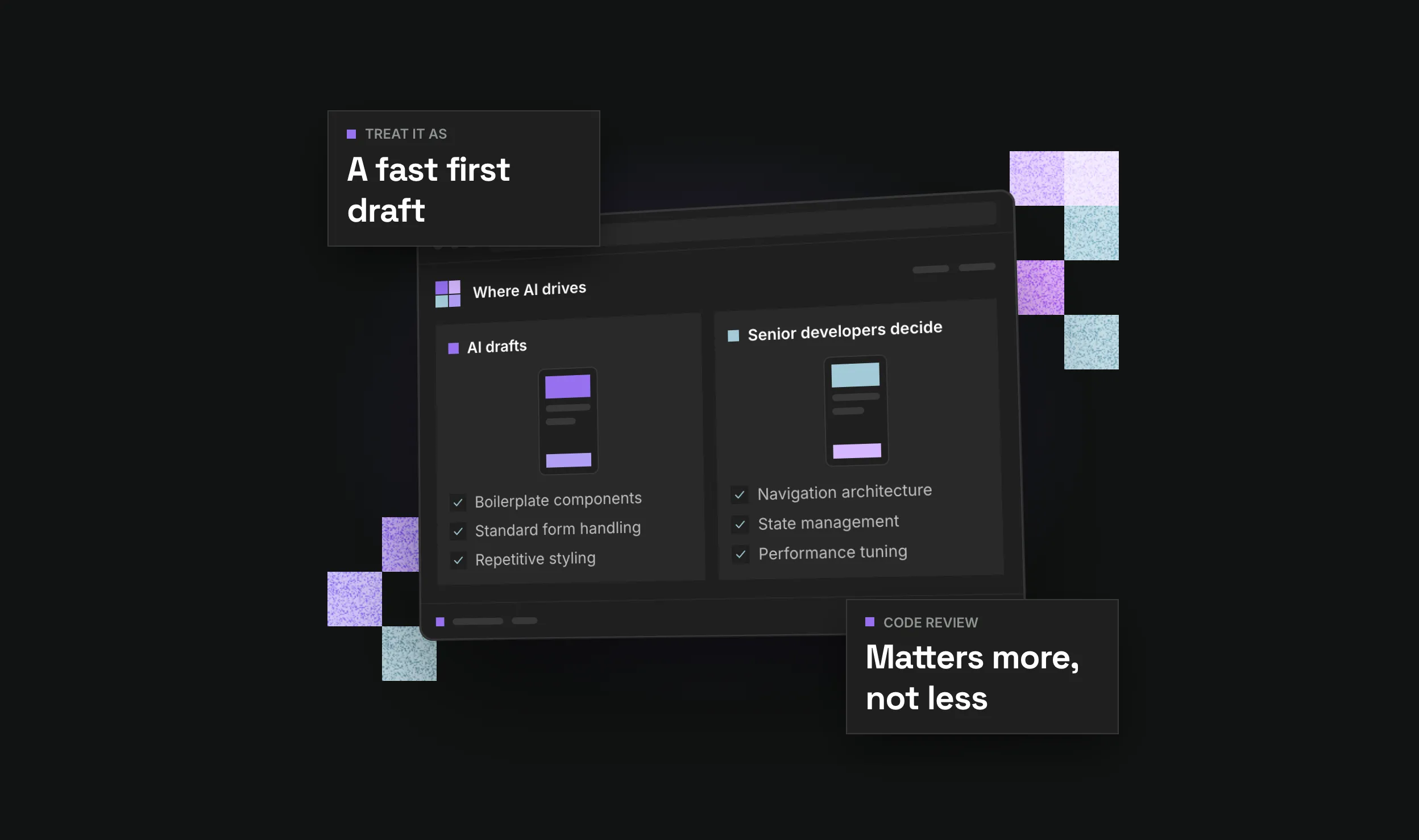
The speed gains are real for the parts of the job that are pattern-based: boilerplate components, standard form handling, repetitive styling across screens, first-draft unit tests. These are places where AI tools consistently save hours without much risk, because the work is well-defined and easy to review.
The risk shows up when teams extend that same trust to areas that actually need judgement: navigation architecture, state management decisions, performance tuning for lower-end Android devices, or anything touching native modules. These are places where an AI suggestion can look correct and still be wrong in ways that only show up under real-world conditions: a memory leak that doesn't appear in testing, a re-render pattern that tanks performance on older hardware.
The teams getting the most out of AI-assisted development treat it like a fast first draft, not a final answer. A useful rule of thumb: if a senior developer would need to explain their reasoning for a decision, that decision shouldn't be delegated to an AI suggestion without review. If it's the kind of thing any competent developer would write the same way regardless, it's a good candidate to let AI handle.
Code review discipline matters more, not less, in an AI-assisted workflow. It's tempting to review AI-generated code less carefully because it "looks" clean and well-formatted, but clean formatting isn't the same as correct logic. Teams that keep their review bar high see the real benefit of AI tools: more time spent on the decisions that actually shape the product, and less time on the ones that don't.