Building apps with AI
How AI Is Changing the Way We Build Mobile Apps with React Native
By Rocket Lab AustraliaPublished 1 min read
React Native has always been about building once and shipping to both iOS and Android without duplicating effort. AI is now changing what "building" actually looks like inside that process, at almost every stage.
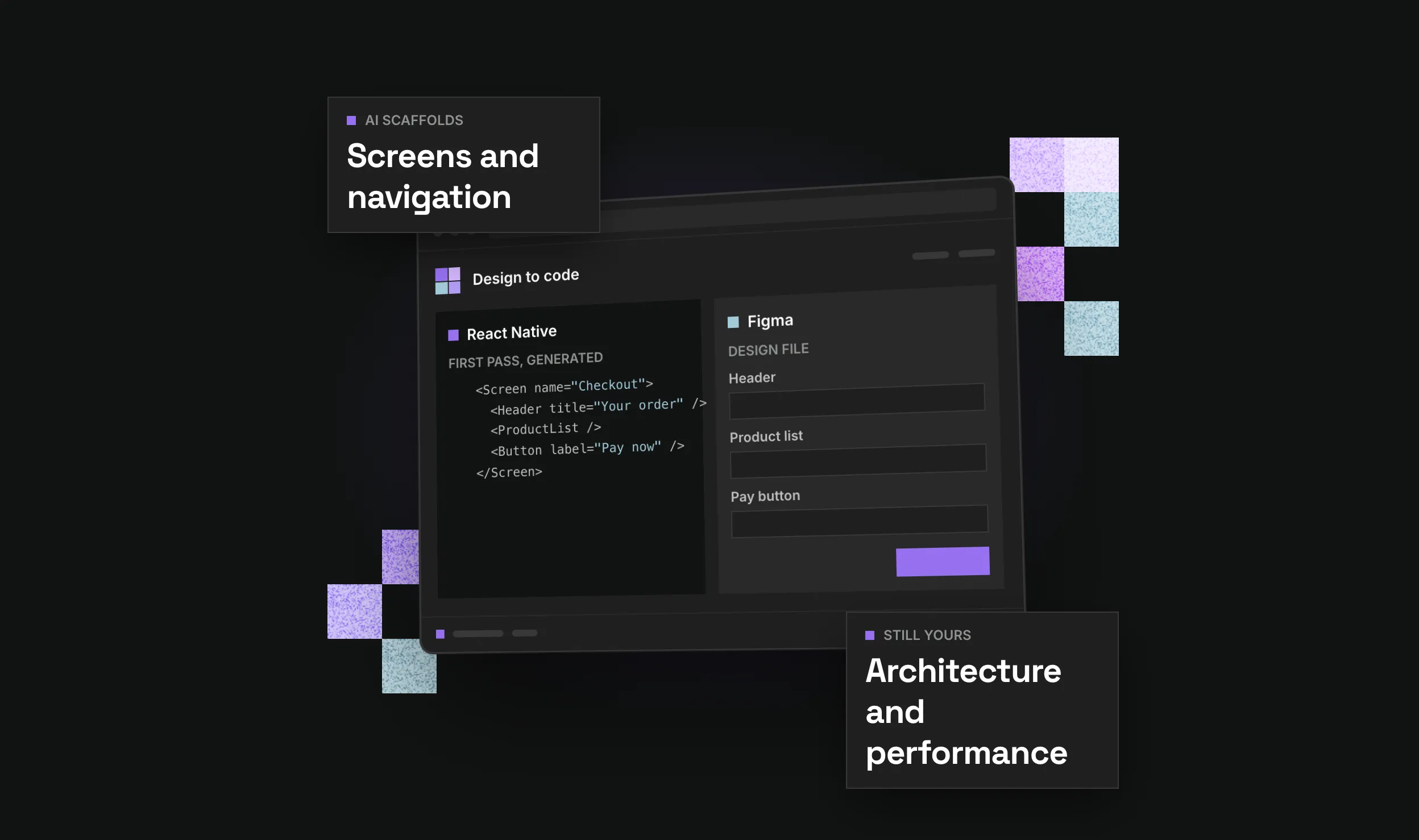
The most visible shift is in code generation. AI coding assistants can scaffold a new screen, wire up navigation, or generate a first pass at a component from a design file in a fraction of the time it used to take. For React Native specifically, that's meaningful because so much of the framework's value is in assembling components consistently across platforms, exactly the kind of repetitive, pattern-based work AI tools handle well.
Testing is another big one. Generating unit tests, catching obvious edge cases, and flagging inconsistent styling across screens used to be manual, tedious work. AI tools now do a credible first pass, freeing developers to focus on the logic that actually needs human judgement.
Design-to-code is maturing fast too. Tools that translate a Figma file into React Native components aren't perfect, but they're good enough to remove a chunk of the grunt work between a design being signed off and a working screen existing in the app. That shortens the loop between design and engineering, historically one of the slowest parts of any app project.
There's also a shift happening inside the apps themselves, not just in how they're built. AI features (personalisation, smart search, conversational interfaces) are increasingly expected in mobile apps, and React Native's ecosystem now has mature libraries for integrating on-device and cloud AI models directly.
None of this replaces the judgement a good mobile developer brings to architecture, performance, or platform-specific quirks. What it does is compress the time between an idea and a working prototype, which matters a lot when you're trying to get a product in front of users and learn something from it.